LivingKiosk
Overhead
The sky above you, right now.
What this is
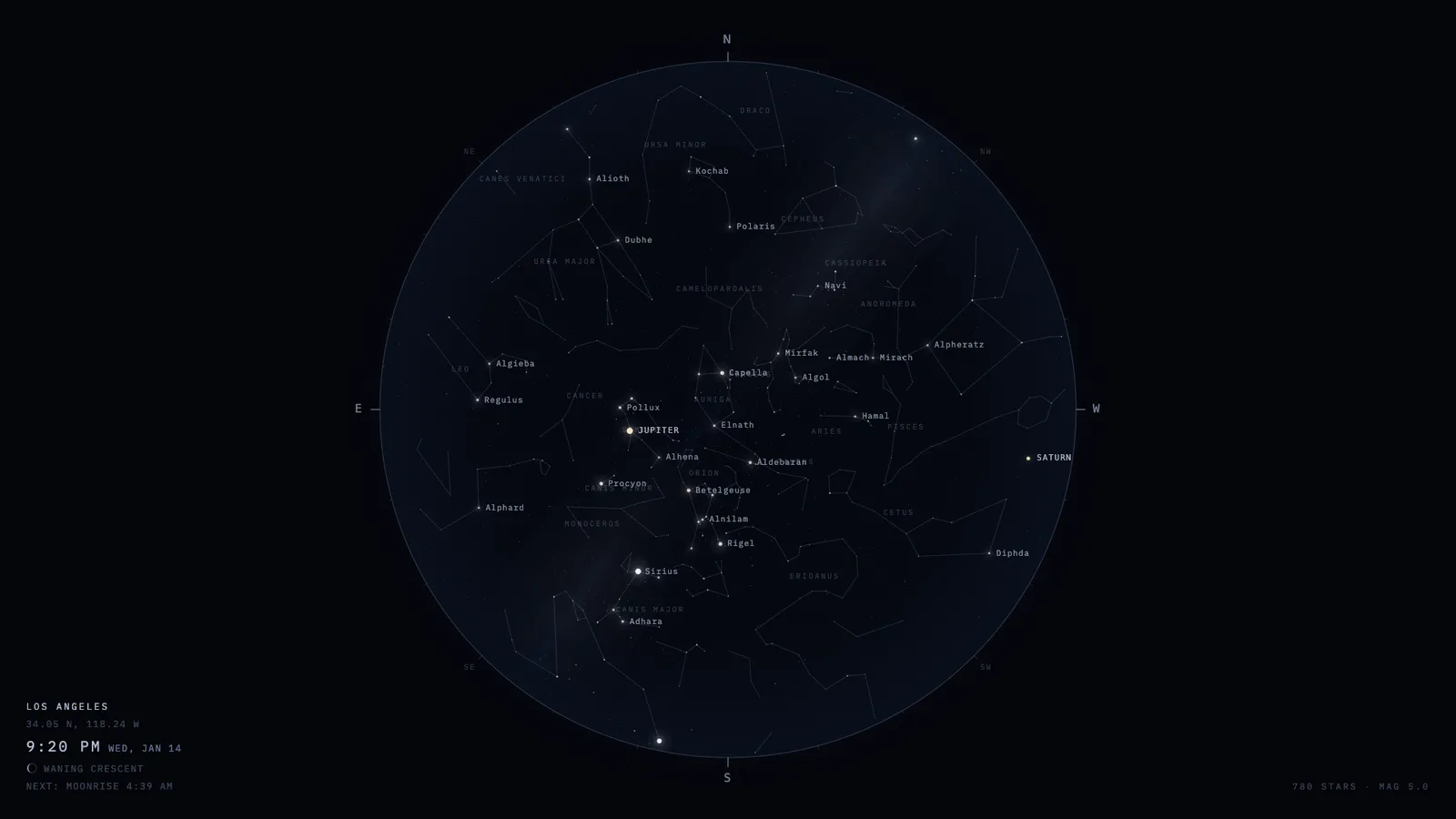
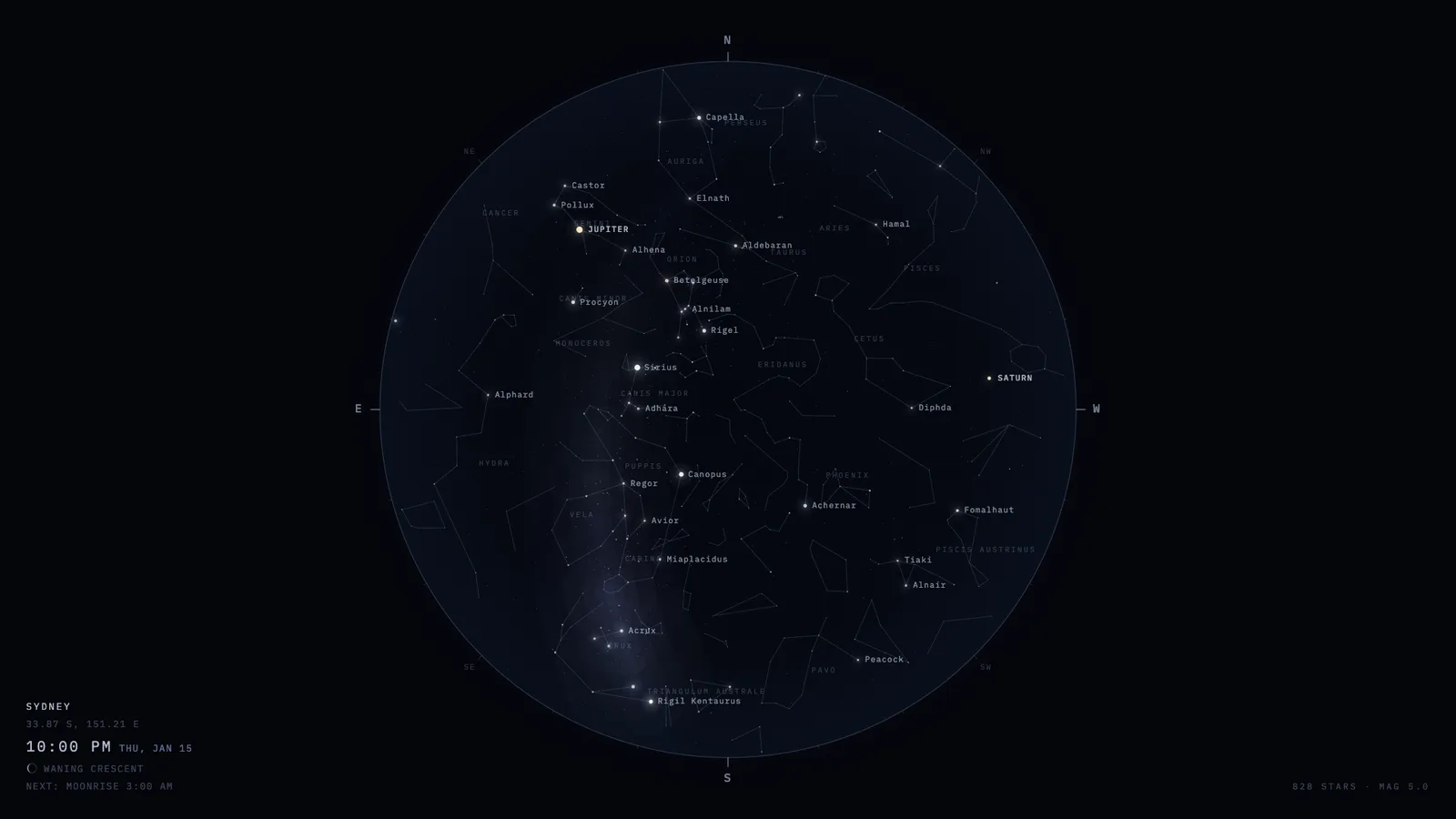
Overhead draws the real sky over one place at this exact moment: every star you could see with your eyes, in its true position, plus the constellation figures, the Milky Way, the Sun, the Moon at its correct phase, and the five planets that are actually visible. It redraws once a minute and wheels slowly as the Earth turns.
It is built for a screen nobody is watching closely — a spare monitor, a TV in the corner, a wall panel, or your Mac desktop wallpaper. Nothing blinks, nothing scrolls, nothing makes a sound.
- Where the data comes from
- A star catalogue bundled into the page — 1,627 stars down to magnitude 5, from the Hipparcos and Yale Bright Star catalogues by way of d3-celestial. The positions of the Sun, Moon and planets are computed on your own screen from published astronomical series. Nothing is fetched from the internet, ever.
- How to read it
- The centre of the disc is straight up. The rim is the horizon all the way around. North is at the top — and east is on the left, which looks wrong until you remember you are looking up at the sky rather than down at a map. Hold the screen over your head with the top edge pointing north and it lines up with the real thing.
- What you can change
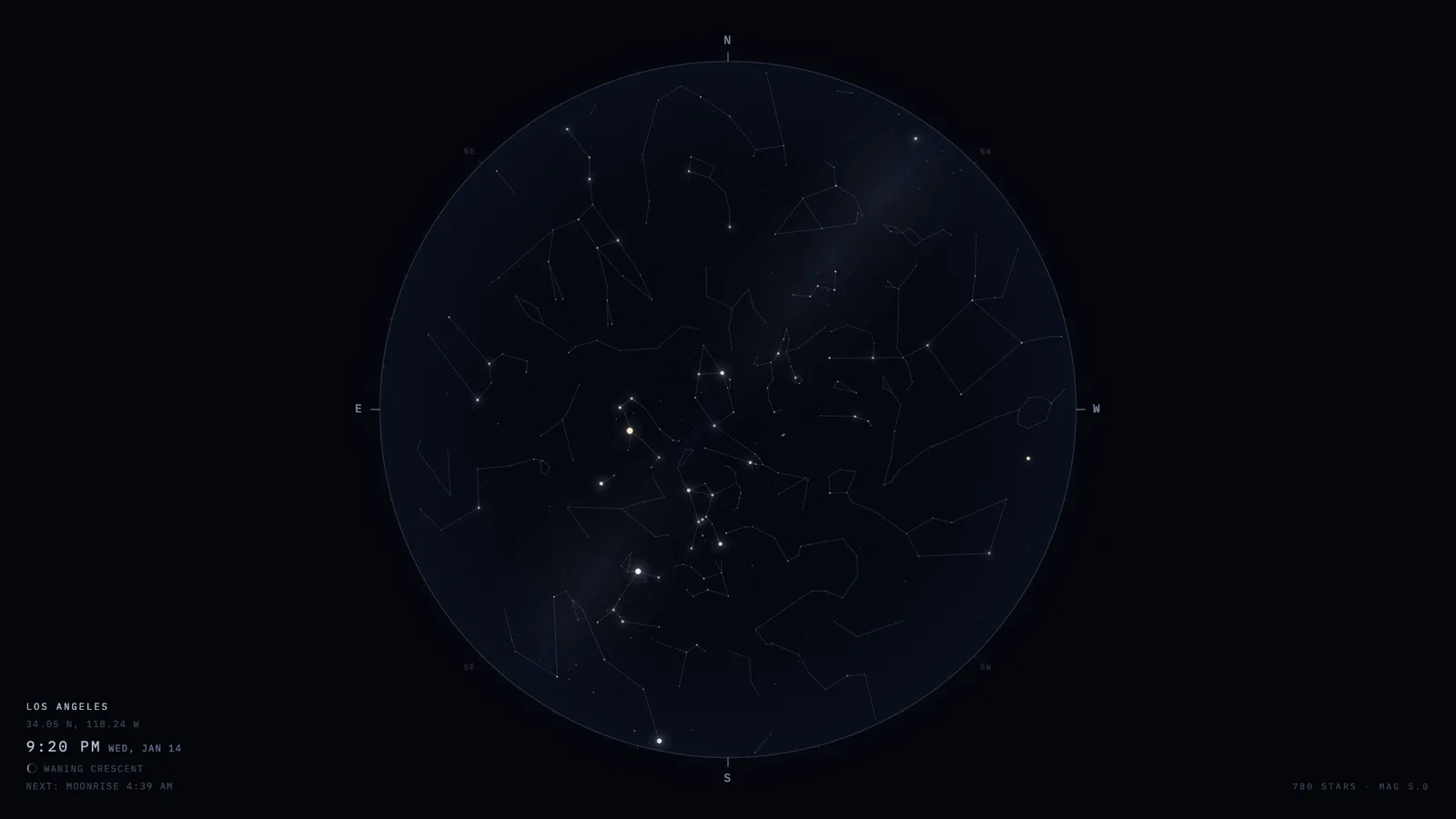
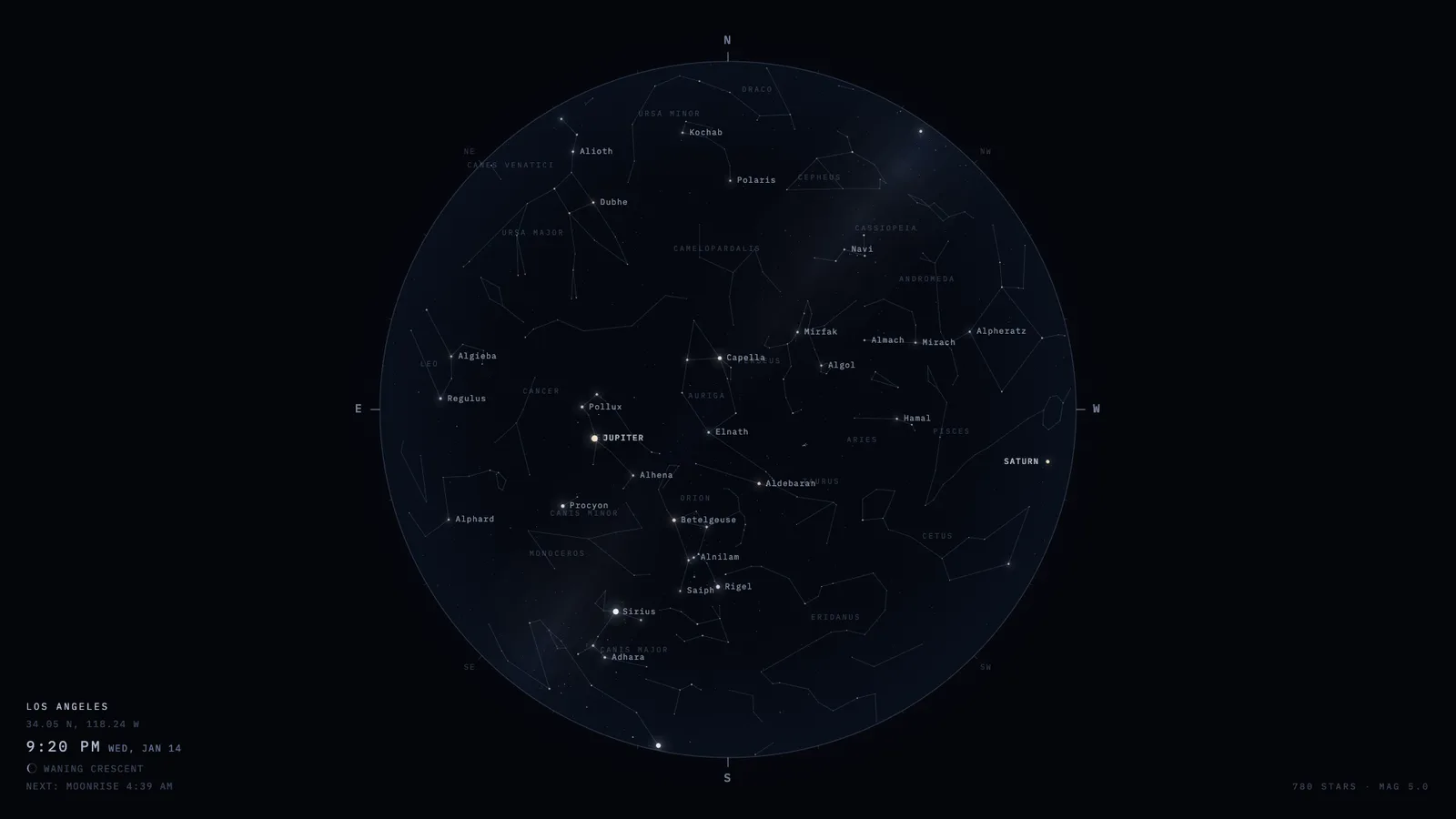
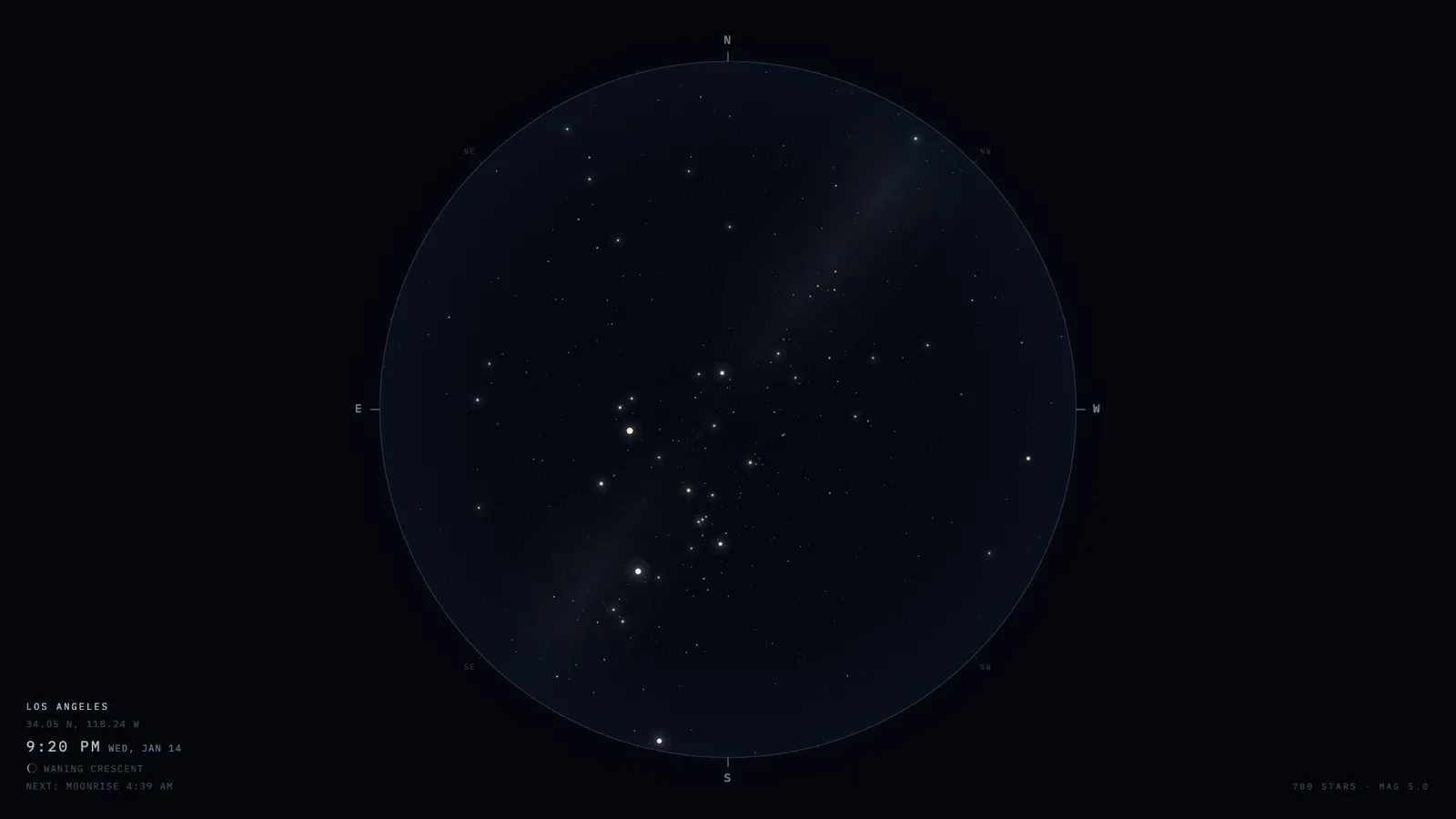
- Your location and its name, the clock’s timezone, whether names and constellation lines and planets are drawn, how many stars appear, and which of two projections is used. Everything lives in the URL, so one running copy can serve as many different screens as you like.
What it looks like
Real screenshots, all of the same January evening so the settings are the only thing changing between them.
Settings
The chart is drawn for one spot on Earth. Latitude is north-positive, longitude is east-positive — Los Angeles is 34.05 / -118.24.
Normally the sky fills in as it gets dark and thins out at dusk, the way your eyes do. You can pin it instead — a lower number means fewer, brighter stars.
Advanced
Leave this empty for the live sky. Anything unparseable is ignored rather than breaking the screen.
Preview
The real display, at this size — it follows the settings above a moment after you change them. Centre is straight up, the rim is the horizon, north is at the top — and east is on the left, because you are looking up rather than down at a map.
Showing /Open full screen ↗
Your kiosk URL
This is the whole product. Paste it wherever you want the sky to live.
Put it on a screen
- Mac desktop — install Plash, add the URL as a website, and turn Browsing Mode off so clicks pass through to your desktop.
- Android tablet or TV box — Fully Kiosk Browser, set the URL as the Start URL and enable Kiosk Mode.
- Any computer with a browser — launch Chrome with
--kiosk <url>, or open the URL and press F11 for full screen. - Raspberry Pi or a spare laptop — Chromium with
--kiosk --noerrdialogs --disable-infobarsin an autostart file.
The display recovers on its own after sleep, so nothing needs babysitting.